
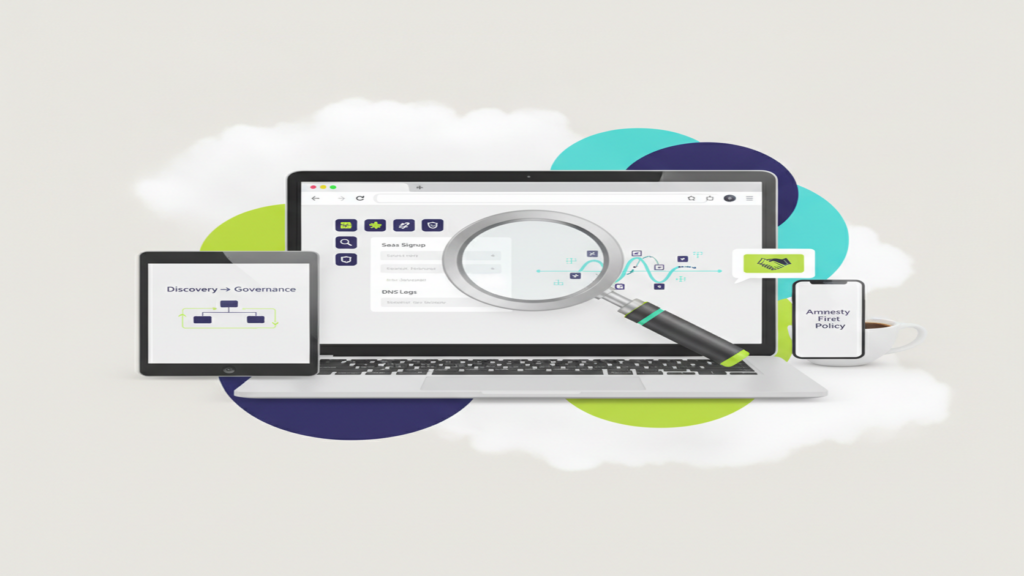
Shadow AI: Finding the AI Tools Your Team Is Already Using
If you have not approved a single AI tool, your team is probably still using three or four of them. Shadow AI is what happens when employees sign up for free chatbots, transcription services, and browser extensions on their own, and the fastest path to control is discovery first, policy second, and no blame at all.
This is not a story about reckless staff. It is a story about people trying to finish a proposal, summarize a 40-page contract, or clean up meeting notes before 5 p.m. The tools are free, the signup takes eleven seconds, and nobody told them not to. Your job as an owner or office manager is to find out what is actually in use, decide what stays, and route the rest to a sanctioned option.
Why Shadow AI Is Different From Shadow IT
Shadow IT has been around for twenty years. Someone signs up for a file-sharing account, IT finds it, IT shuts it down or brings it under management. Annoying, but containable.
Shadow AI has a sharper edge for two reasons.
First, the data leaves in a different shape. When someone uploads a file to an unsanctioned storage service, the file sits in a container you can usually identify and delete. When someone pastes a client contract into a free consumer chatbot, that text may be retained, reviewed by humans for quality purposes, or used for model training depending on the tier and the terms. You cannot un-paste it. For a law firm, that raises real questions about attorney-client privilege. For a medical or dental practice, pasting anything with patient identifiers into a tool with no Business Associate Agreement is a HIPAA problem on its face. For manufacturers pursuing CMMC, controlled unclassified information going into an unvetted tool is a finding waiting to happen.
Second, the entry points are everywhere. A browser extension, a mobile app, a “summarize this thread” button inside an email client, a meeting bot that joins a Teams call uninvited because a participant from another company invited it. There is no single chokepoint.
The good news: discovery is genuinely achievable with tools most SMBs already own. You do not need a new platform to get a clear picture.
Four Places to Look
1. Browser extensions
Browser extensions are the single most common shadow AI vector and the easiest to miss. Extensions that offer writing assistance, page summarization, or “chat with any PDF” often request permission to read and change data on all sites. That permission scope includes your line-of-business applications, your practice management system, your webmail.
If your organization manages Edge or Chrome through Microsoft Intune or group policy, you can pull an installed-extension inventory per device. If you do not have that in place, a manual pass across a sample of workstations during a normal maintenance window will tell you most of what you need to know. Look at what is installed, what permissions it requested, and whether the publisher is identifiable.
Most SMBs we work with are surprised not by the number of AI extensions, but by the permission scope on the ones nobody thought twice about.
2. SaaS signups and OAuth grants
Every time someone clicks “Sign in with Microsoft” or “Sign in with Google” on a new AI service, that creates an OAuth grant you can see. In Microsoft Entra ID, the enterprise applications list shows which third-party apps have been granted access to your tenant, what permissions they hold, and who consented.
This is a high-value, low-effort report. Pull it, sort by consent date, and look for anything with AI-adjacent naming or permissions to read mail, files, or calendar. Note-taking and meeting-transcription services show up here constantly, because joining a meeting and reading a calendar requires exactly that kind of grant.
While you are in there, check whether user consent for third-party apps is enabled by default. Many tenants still allow any user to grant an application access to their own mailbox and files without review. Switching that to an admin-approval workflow is a fifteen-minute change that converts future shadow AI signups into a request you can evaluate.
3. DNS and firewall logs
Network telemetry gives you the volume picture that device inventories miss, including personal devices on your guest or corporate Wi-Fi. If you run DNS filtering or a managed firewall, query for the domains of major AI services over the last 60 to 90 days. You are looking for two things: which services get traffic, and whether usage is concentrated in one department or spread across the company.
Concentration tells you something useful. Heavy traffic from your marketing coordinator means one person found a workflow that works. Heavy traffic from eight people in accounting means a process gap that AI is filling, and that gap is worth understanding before you decide anything about the tool.
Expense reports are the low-tech version of this check. A recurring $20 charge on a personal card submitted for reimbursement is a signed-up-for AI subscription, and the reimbursement trail is often more honest than any survey.
4. Ask people
Run a short, genuinely non-punitive survey. Three questions: What AI tools have you tried for work? What did you use them for? What would you want an approved tool to do? You will get better data from this than from any log if, and only if, people believe there is no consequence attached.
That belief has to be earned, which brings us to the part most companies get wrong.
Amnesty First, Governance Second
Here is the failure mode we see: a company discovers shadow AI, sends a stern all-staff email about unauthorized tools, and threatens disciplinary action. Usage does not stop. It moves to personal phones, personal accounts, and personal devices where you have zero visibility and zero ability to intervene. You traded a manageable problem for an invisible one.
The amnesty-first approach works better. The announcement sounds roughly like this:
We know AI tools are useful and we know some of you are already using them. For the next 30 days, tell us what you are using and what for. Nobody is in trouble. At the end of that window, we will publish an approved list and a short policy, and we will provide a sanctioned tool for the things you are trying to do.
Three things make this work. You have to mean it — one person getting reprimanded ends the amnesty for everyone. You have to deliver a sanctioned alternative, because telling people to stop without giving them a replacement just drives the behavior underground. And you have to close the window with an actual policy, or the amnesty becomes permanent ambiguity.
What the policy should cover
A workable AI policy for a 25-to-300 person company fits on two pages. It should name the approved tools, state plainly what categories of data may never be entered into any AI tool (client identifiers, PHI, credentials, financials, anything under NDA), explain the approval path for requesting a new tool, and require human review of AI output before it goes to a client, a patient, or a court. It should also say who to ask when the answer is not obvious, with a real name and a real channel.
Keep it short. A 14-page policy nobody reads provides less protection than two pages everyone does.
Giving People a Sanctioned Place to Land
Discovery almost always surfaces the same underlying needs: summarize long documents, draft routine correspondence, clean up meeting notes, make sense of a spreadsheet.
For organizations already on Microsoft 365, Microsoft Copilot is often the most straightforward answer, because the data stays inside the tenant boundary and inherits the permissions you have already configured. Copilot can only surface what a given user already has access to, which makes your existing permissions structure the thing that matters most. If your SharePoint has an overly broad “Everyone” group on a sensitive folder, Copilot will make that visible fast. That is uncomfortable, and it is also a gift. Tightening permissions before a broad rollout is the single highest-value piece of prep work.
Realistic expectation setting: licensing Copilot is a per-user monthly cost, and getting value out of it takes a few weeks of light training plus someone identifying two or three workflows that matter for your specific business. It is not a switch you flip. For many SMBs, a pilot with eight to twelve users across two departments is the right first step.
And there are places where AI should not go, regardless of how good the tool is. Final legal judgment, clinical decisions, financial advice that a client will act on, and anything a regulator might ask you to defend all need a qualified human making the call and signing their name to it.
Where Century Fits
We have run this process for professional services firms, medical practices, contractors, and manufacturers across Atlanta and the Southeast. The pattern is consistent: discovery takes days rather than weeks, the findings are rarely alarming, and the hardest part is almost always the conversation about which tool becomes the standard.
If you want help with the discovery pass, a draft AI policy you can adapt, or an honest assessment of whether your Microsoft 365 permissions are ready for Copilot, start with a short discovery call. We will walk through what we would look at, what we would expect to find in an organization your size, and what it would take to close the gap. You can reach us at /contact/, or read more about how we approach cybersecurity and the verticals we serve at /industries/.
No pressure, no pitch deck. Just a clear picture of what your team is already doing and a practical path to doing it safely.